
All volunteers who want to use Nexus at your event must be added in order to get access.
Access
Any existing volunteer who has one of the Admin, Judge advisor, or Head referee roles can onboard other volunteers.
Add by email
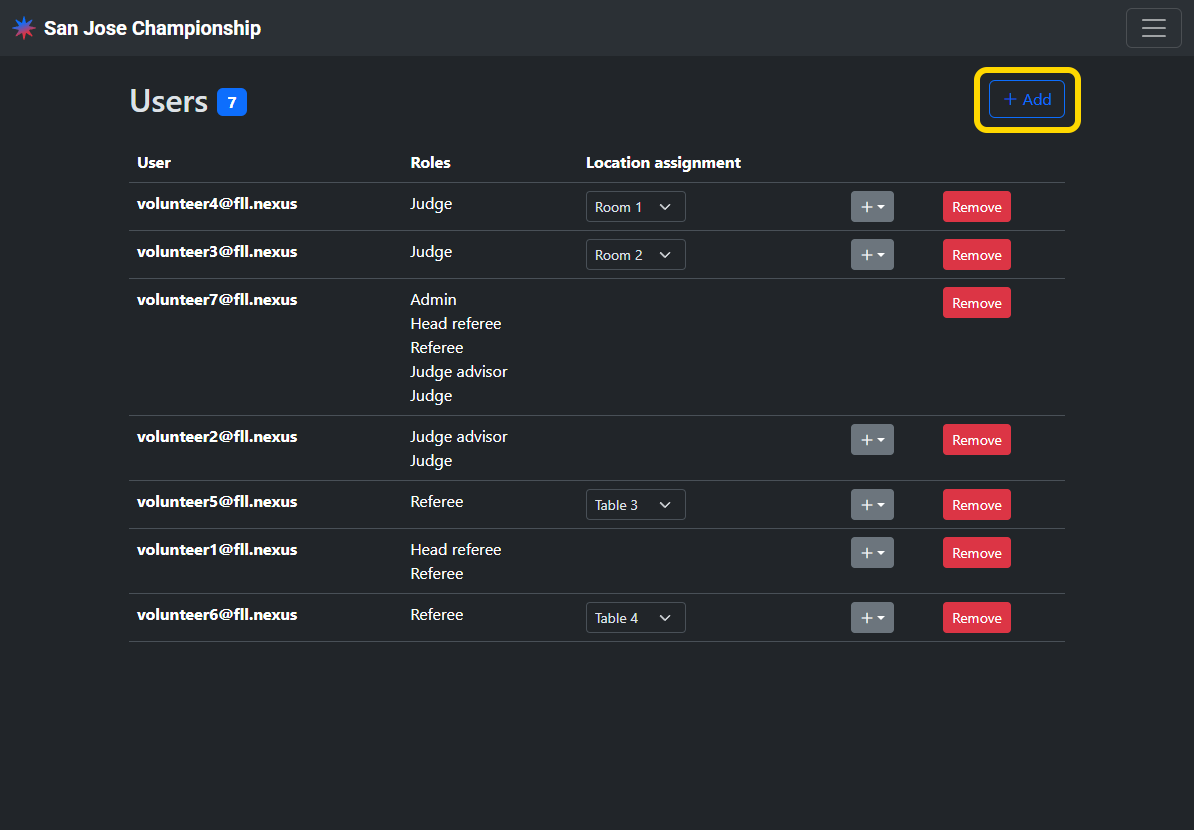
Volunteers can be added by entering their email address on the volunteers page and selecting the role you would like to grant them.
Add by QR code
Click the QR code icon button in the top right to display the QR code that can be scanned by volunteers to take them directly to the page to request access for the event.
Add device accounts
Devices do not need to be signed into an email account in order to get access. Start the request access flow by either scanning the QR code (above) or selecting the event from the home page and selecting Request volunteer access. Select the Device log in link and set a name to identify the device to continue to requesting access.
Review access requests
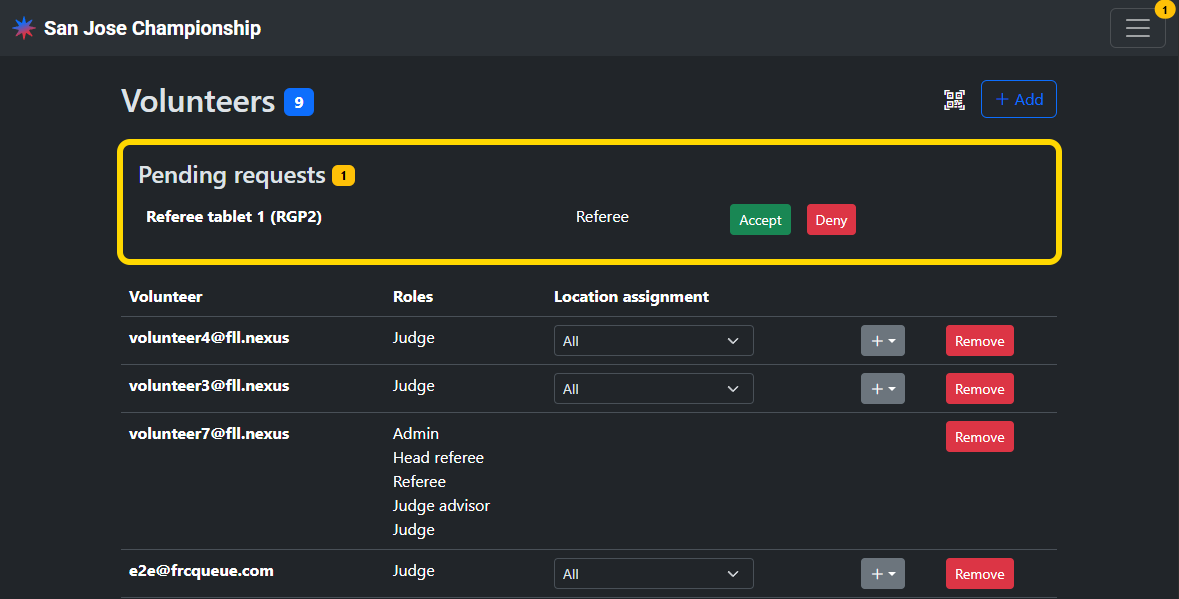
Volunteers can directly request access to your event by scanning the QR code or by tapping Request volunteer access on the main event page. Pending access requests are shown at the top of the volunteers page. Ensure each request is from an authorized volunteer before granting access.
Region volunteers
Admins, judge advisors, and head referees can also be added at the region level. They will automatically get their respective access to every event in the region, without needing to be explicitly added to each event.