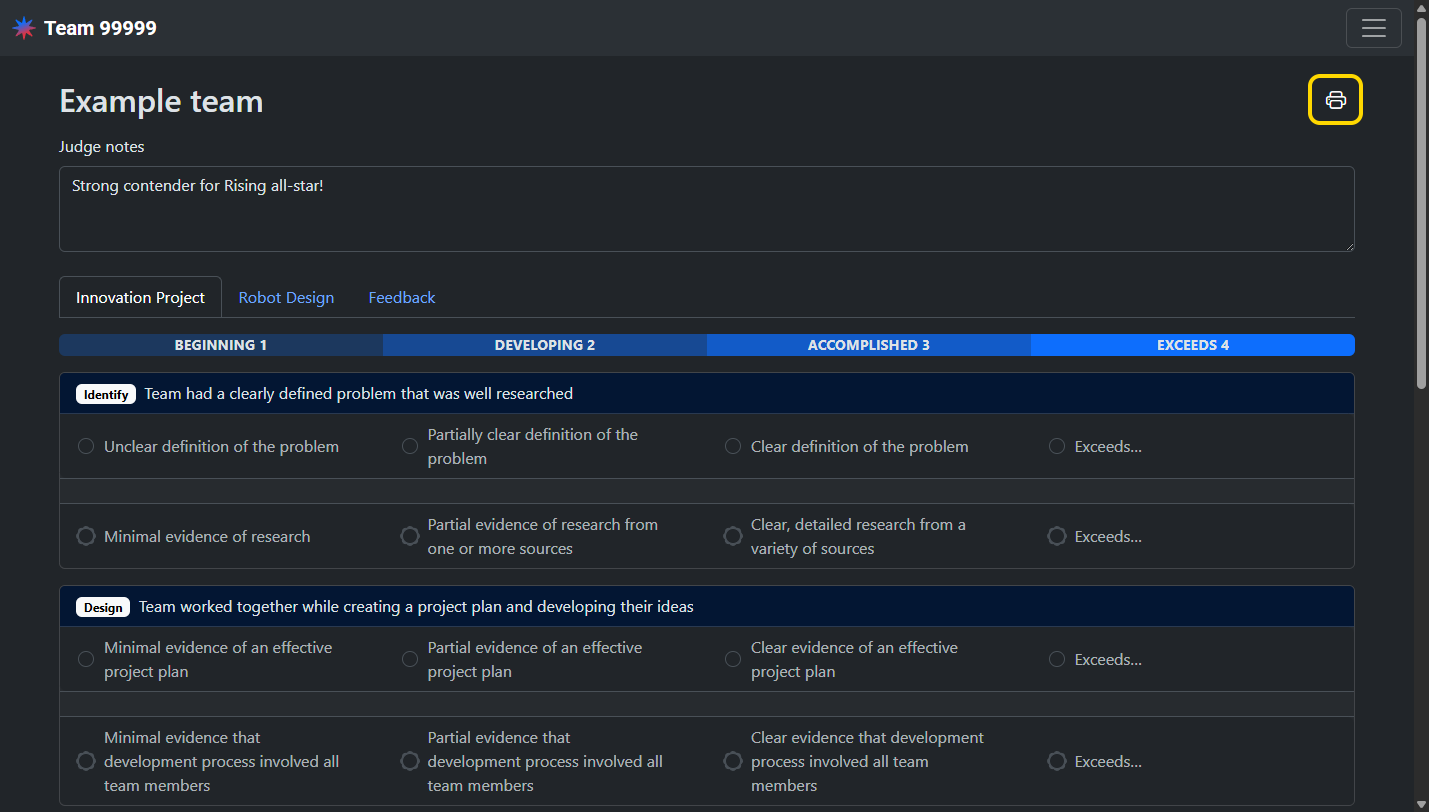
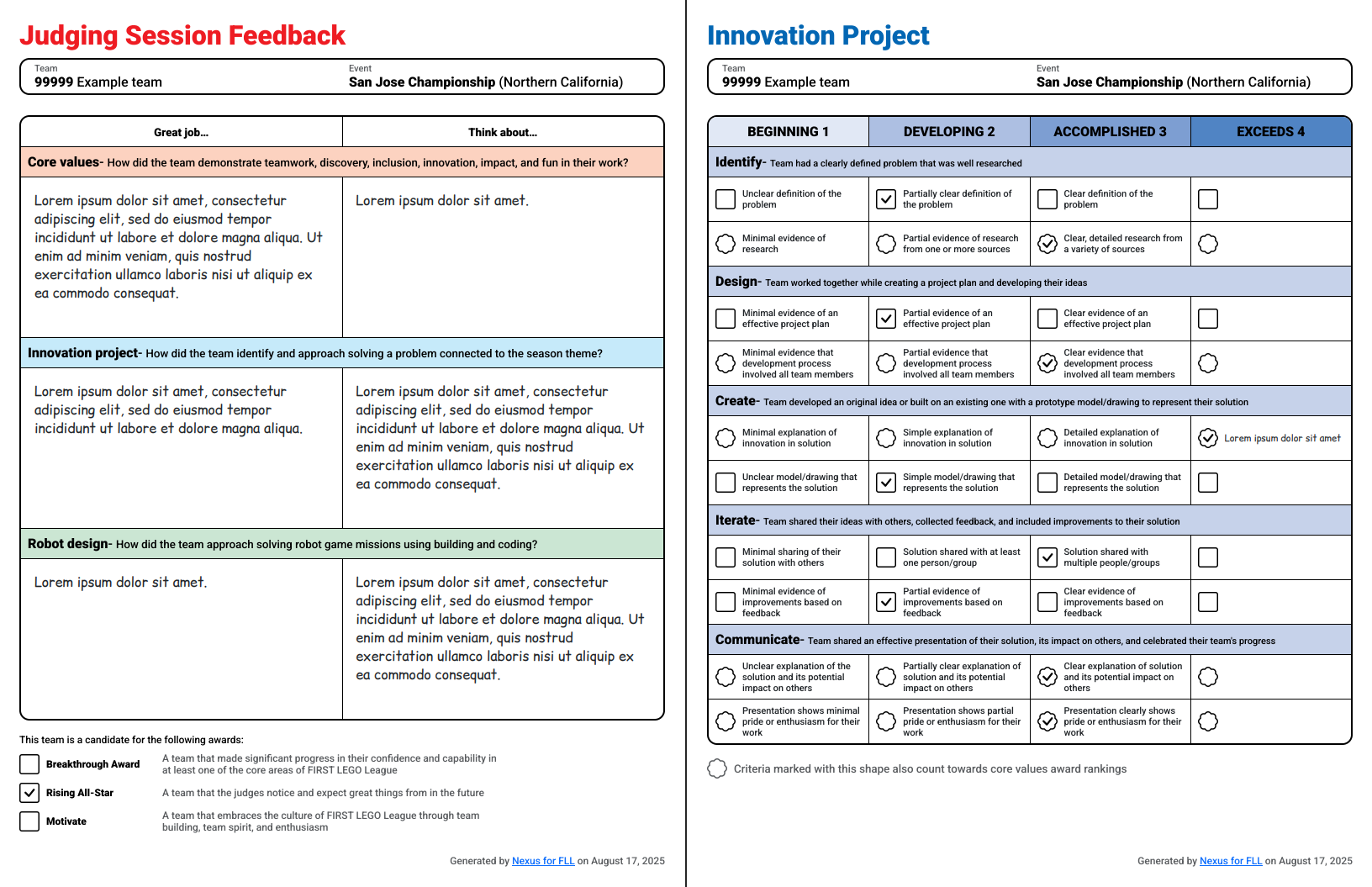
Judges can fill out and submit rubrics in Nexus. Completed rubrics can be published to teams after the event.
Access
Volunteers with the Judge role can view and fill out rubrics.
Select the team
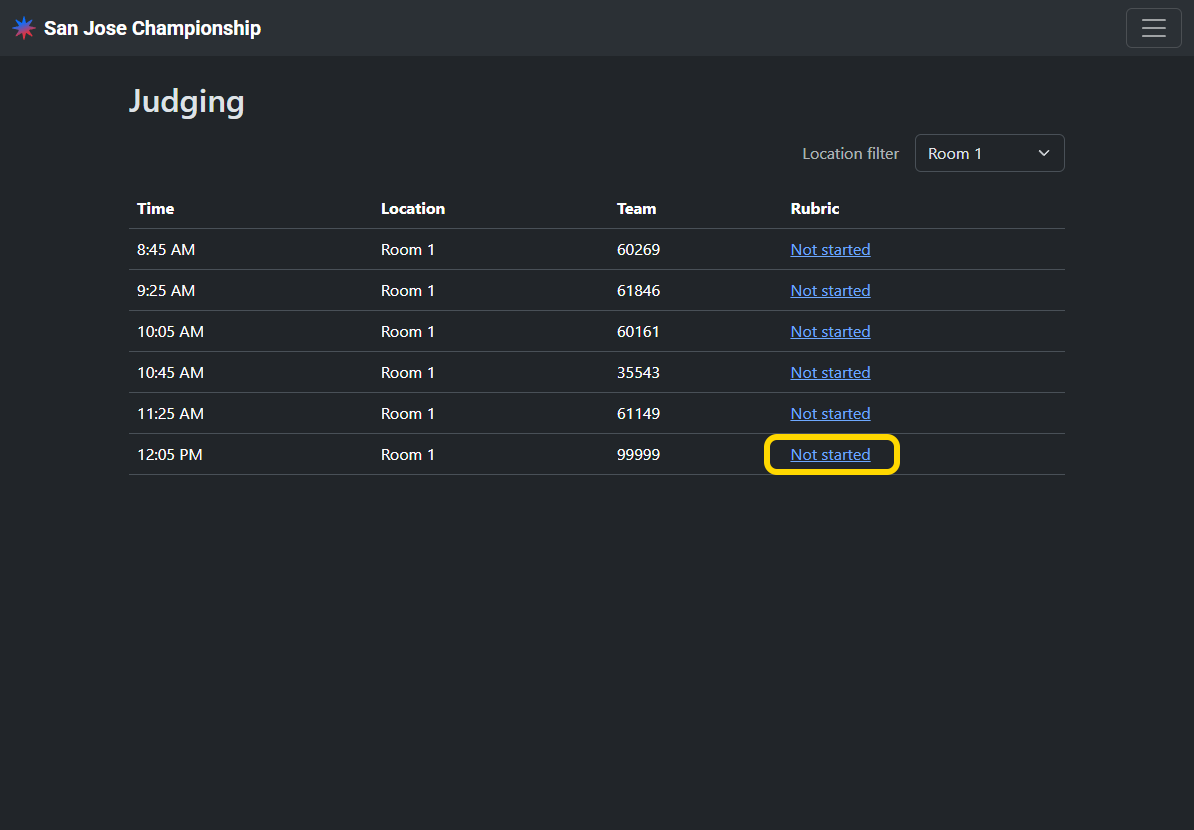
From the judging sessions list, select the row of the team that you want to view. By default, this list is filtered to your assigned room.
Fill out the rubric
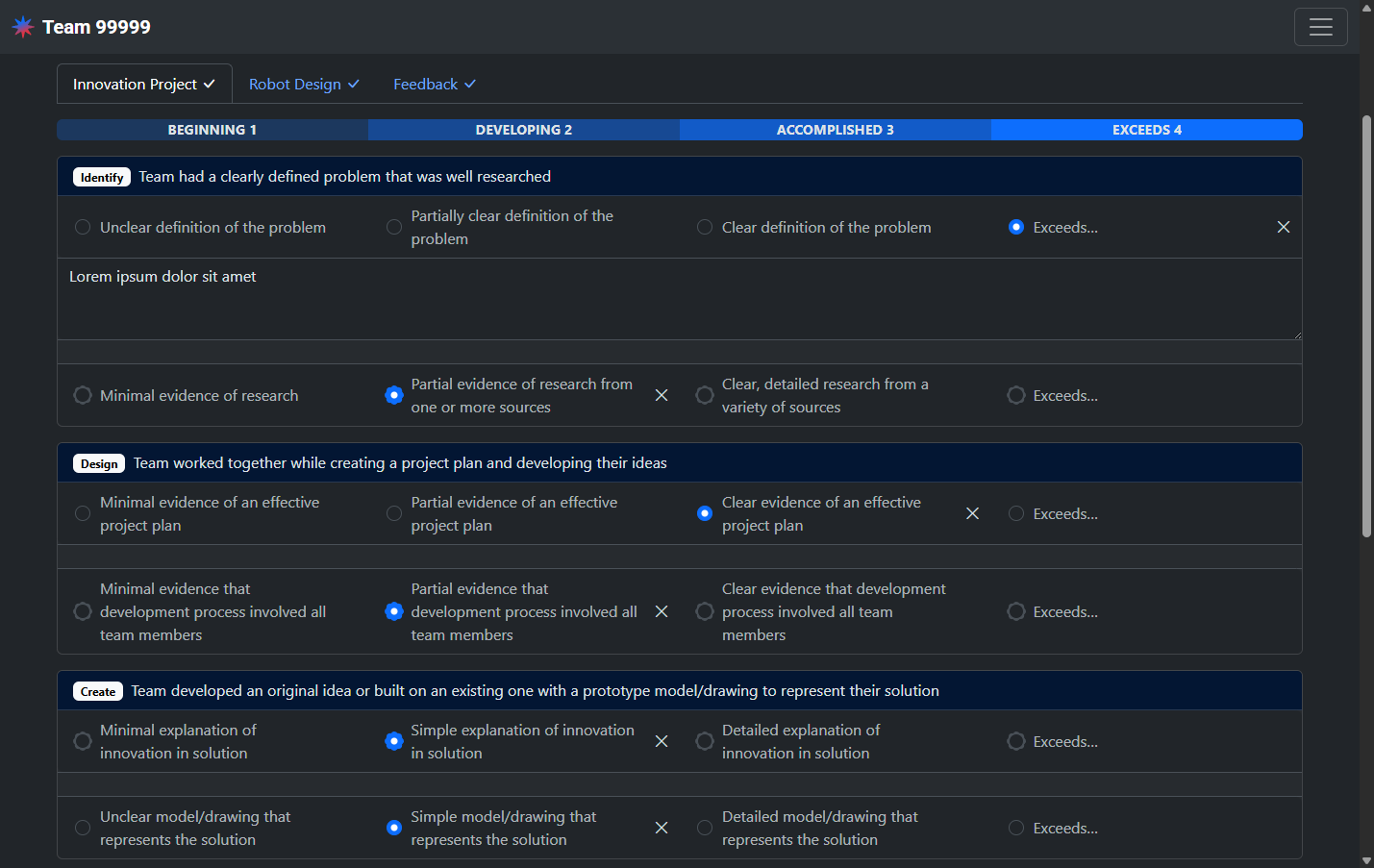
Select an option for each item in the rubric. Your selections are saved automatically and you can return to finish the rubric at any time. If multiple judges fill out the rubric for a single team, each score will be averaged and rounded to the nearest whole score. To avoid this averaging, designate a single judge to fill out the rubric per team.
When selecting Exceeds, a short justification is required.
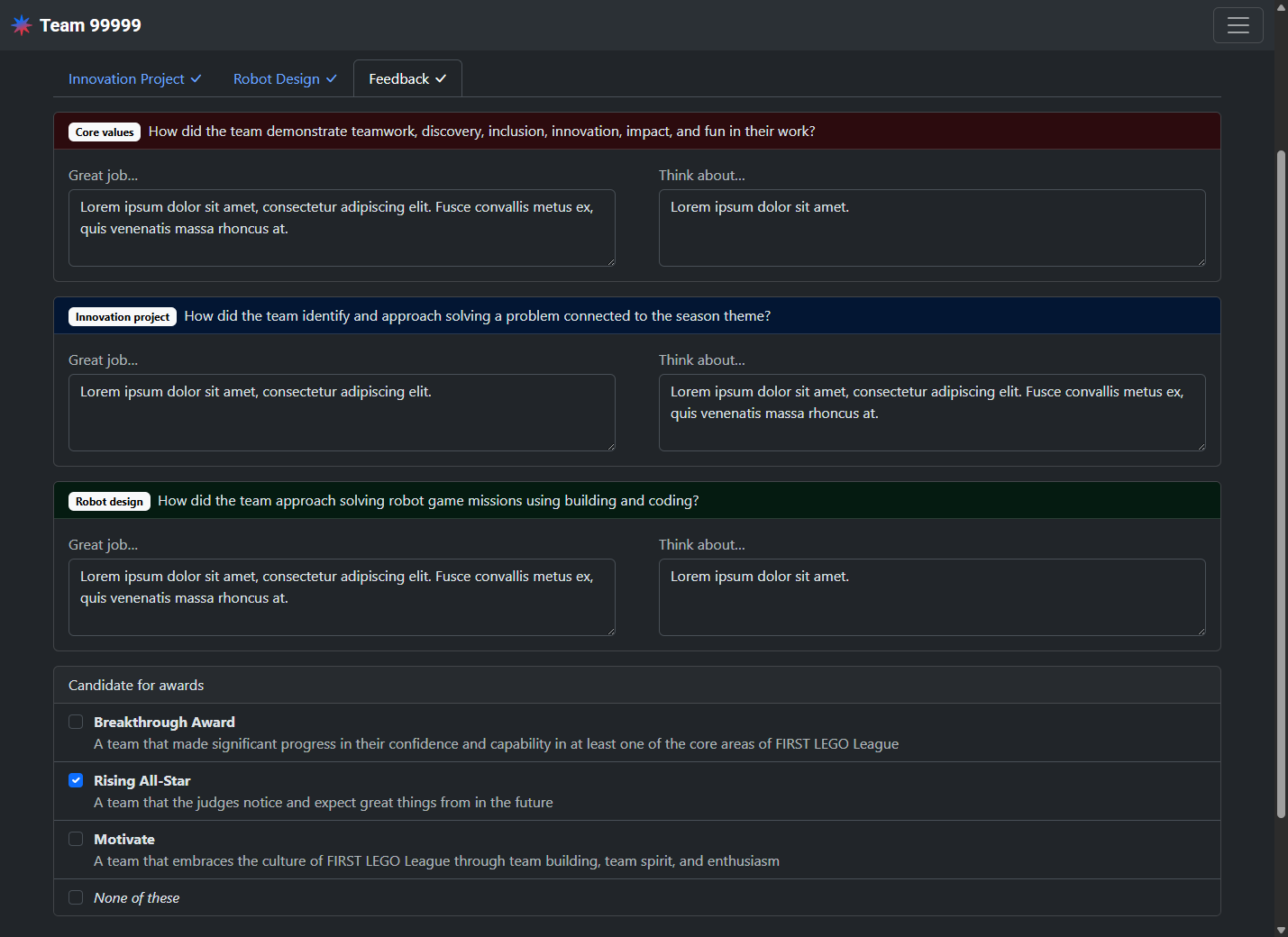
Keep notes
Enter notes in the Your notes field. These notes will be viewable by the judge advisor and will not be published to teams.
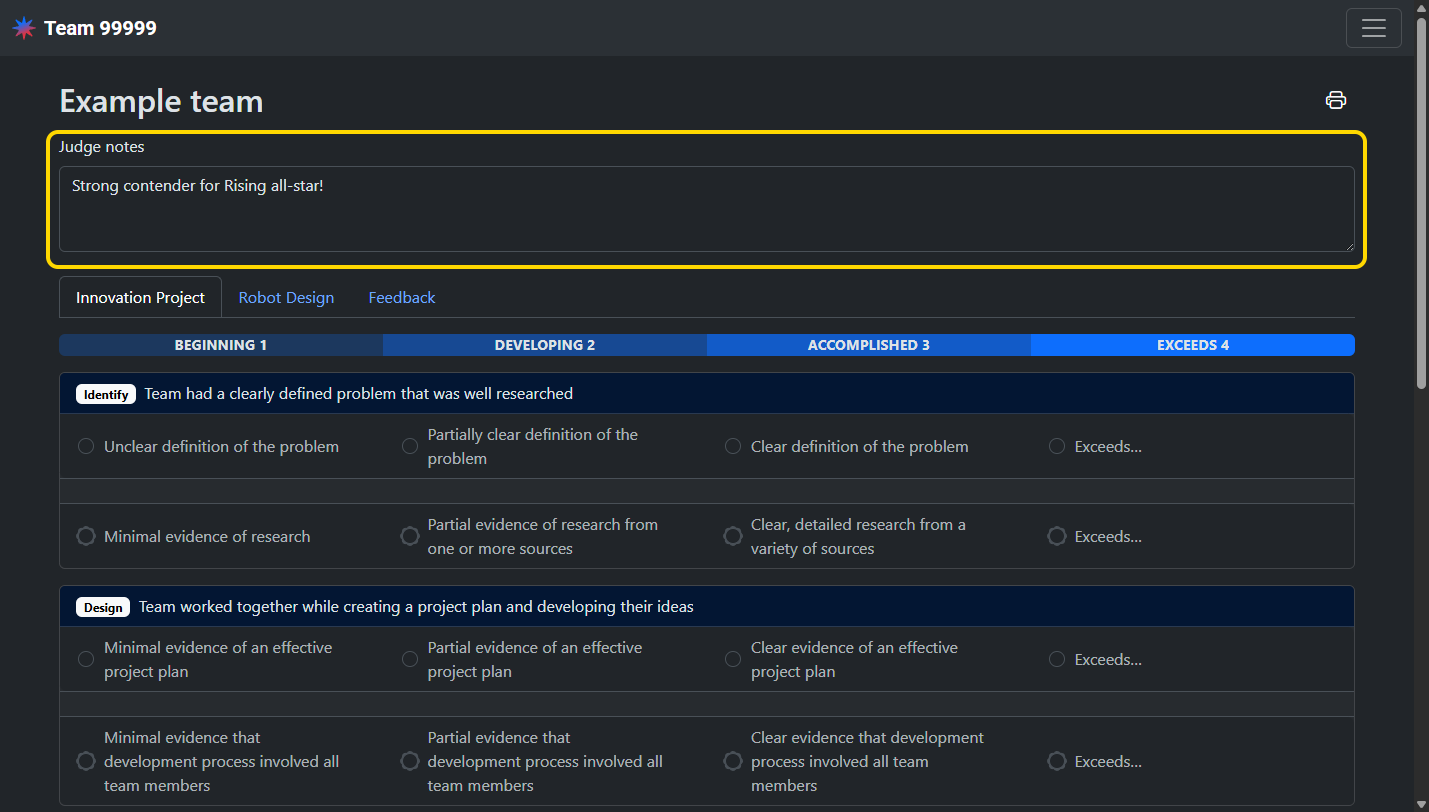
Print the rubric
Click the print icon button in the top right to generate a printable PDF of the filled-out rubric.