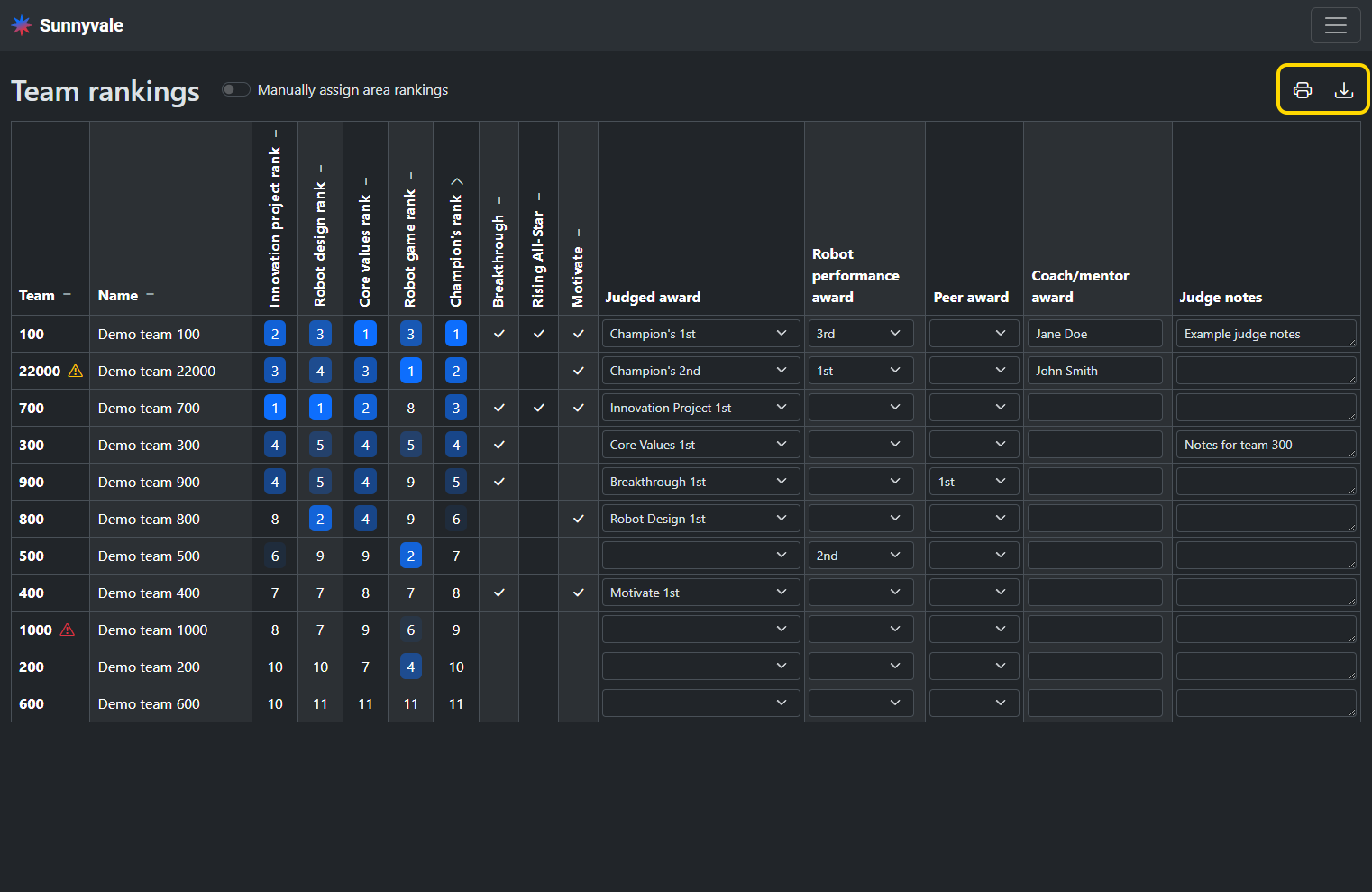
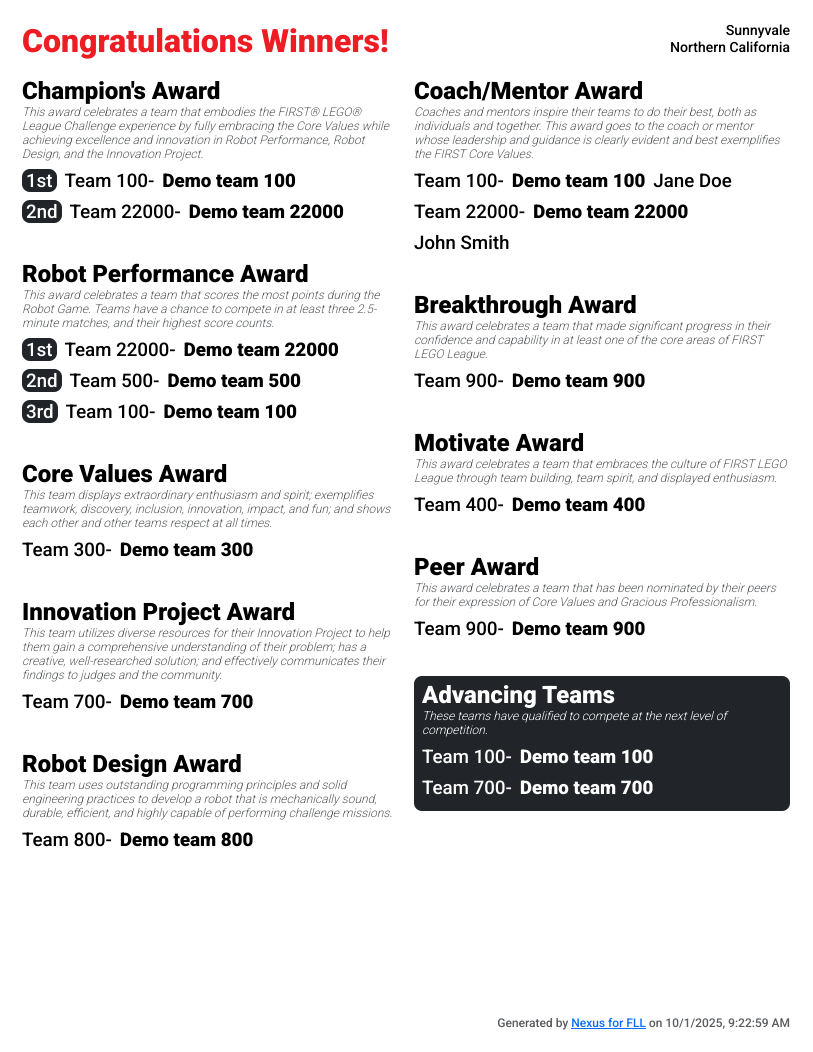
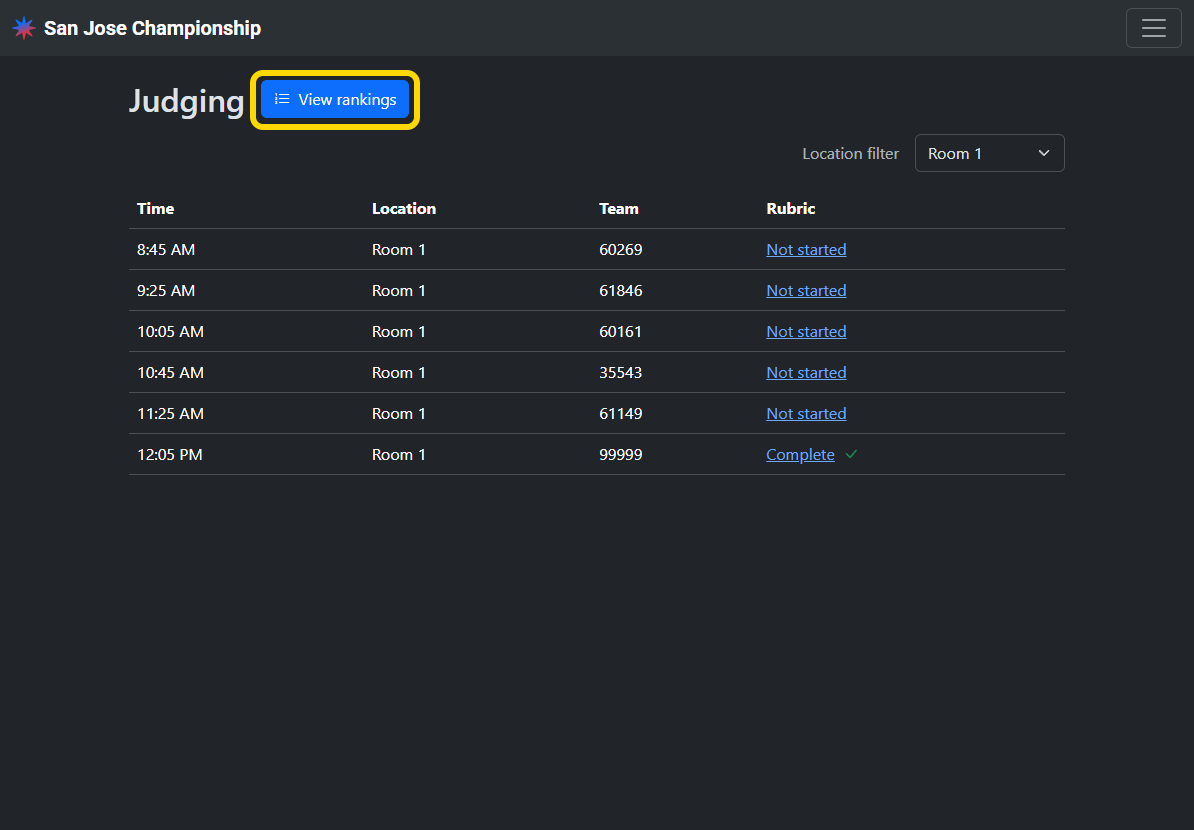
Judges advisors can view team rankings and assign awards in Nexus. The list of award winners can be published to teams after the event.
Access
Volunteers with the Judge advisor role can view rankings and assign awards.
Sort teams
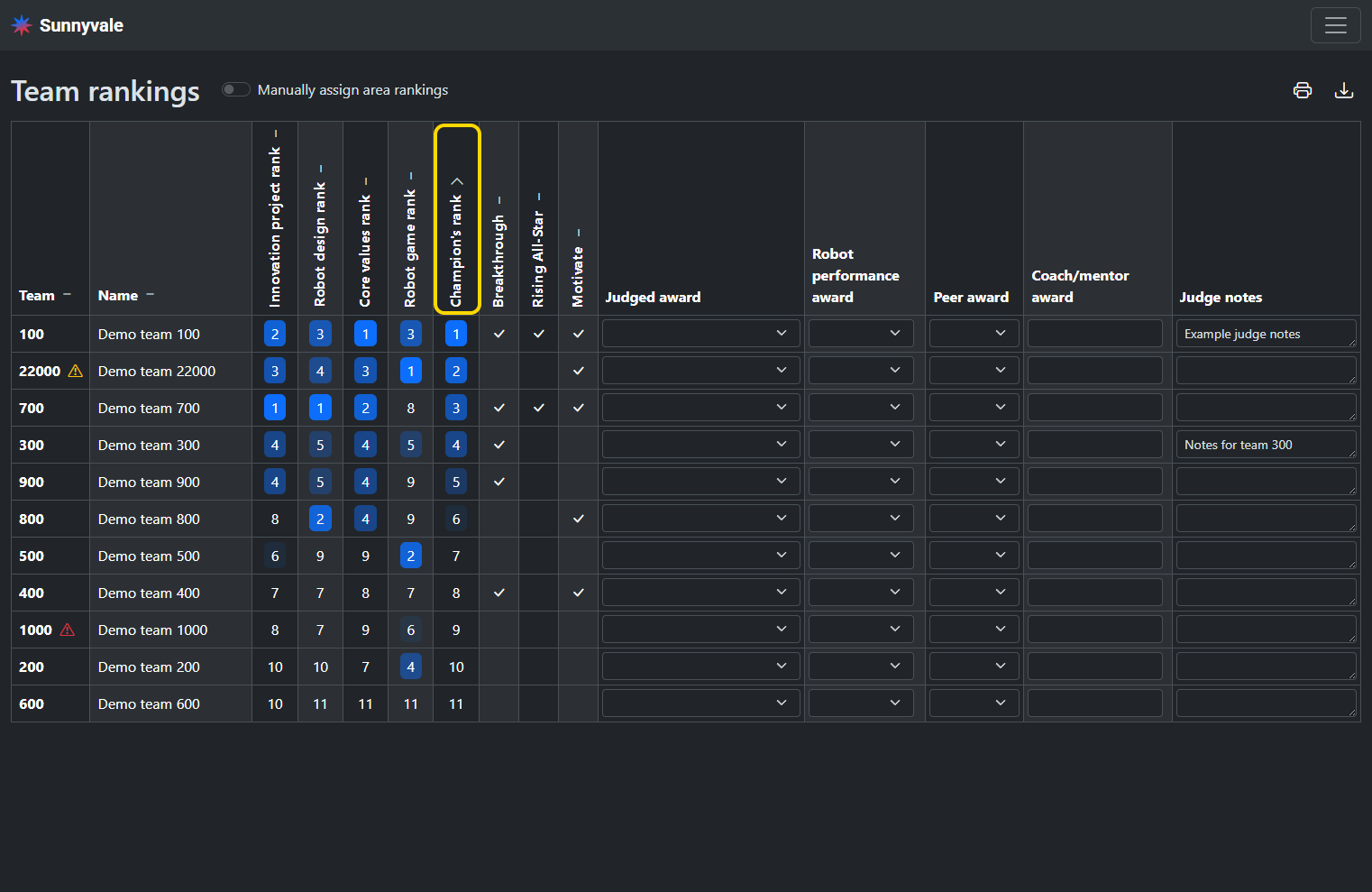
Click on a column header in order to sort teams by that column.
Manually assign area rankings (optional)
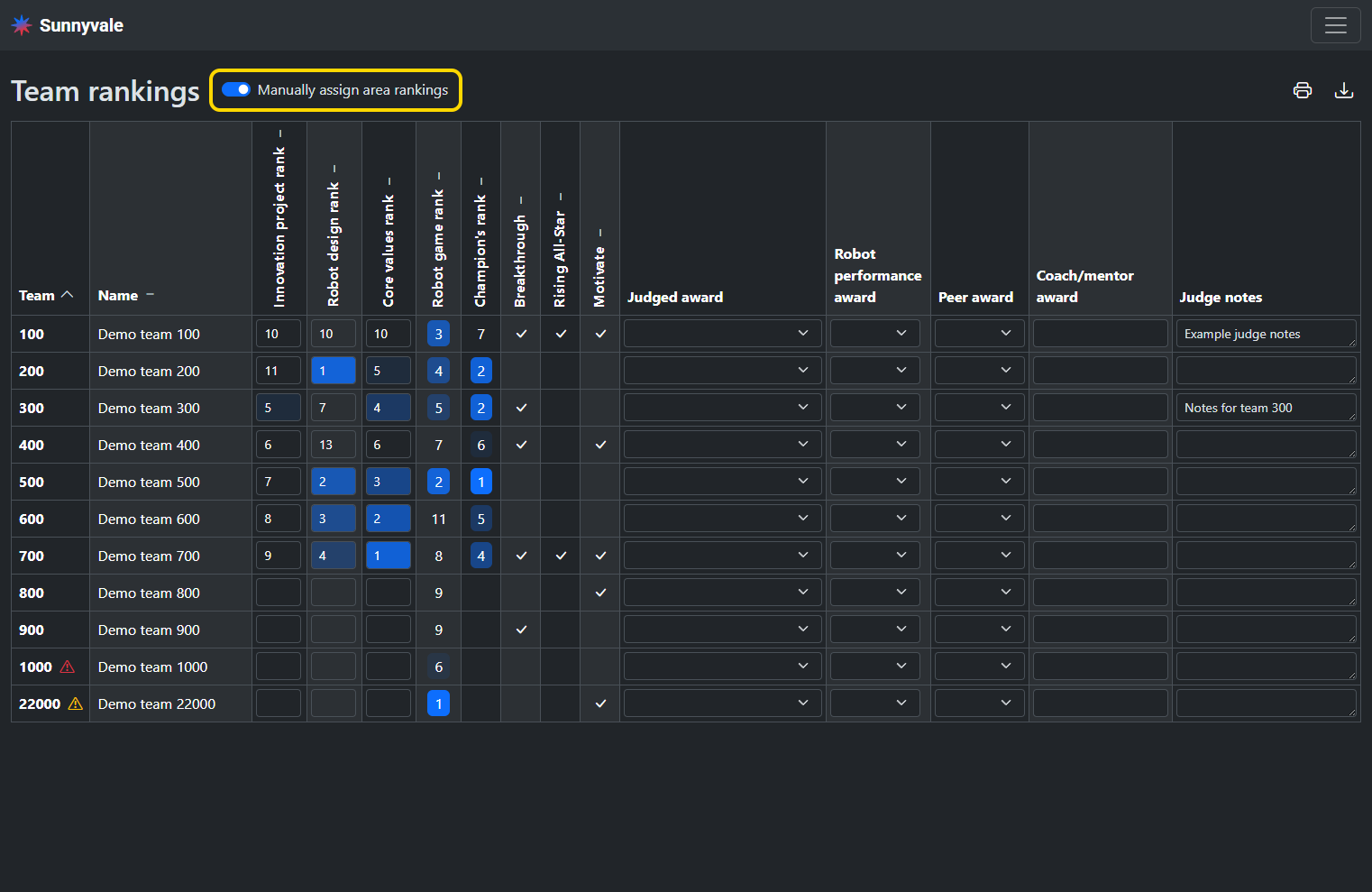
By default, area rankings are the sum of the scores of all associated rubric questions (and Gracious Professionalism scores for core values). If you prefer to manually assign each area ranking, enable the Manually assign area rankings option.
Enter rankings in each area for a team and then the champion’s rank will be automatically calculated.
Assign awards
Manage awards before assigning any awards to ensure the correct awards configuration for your event is set.
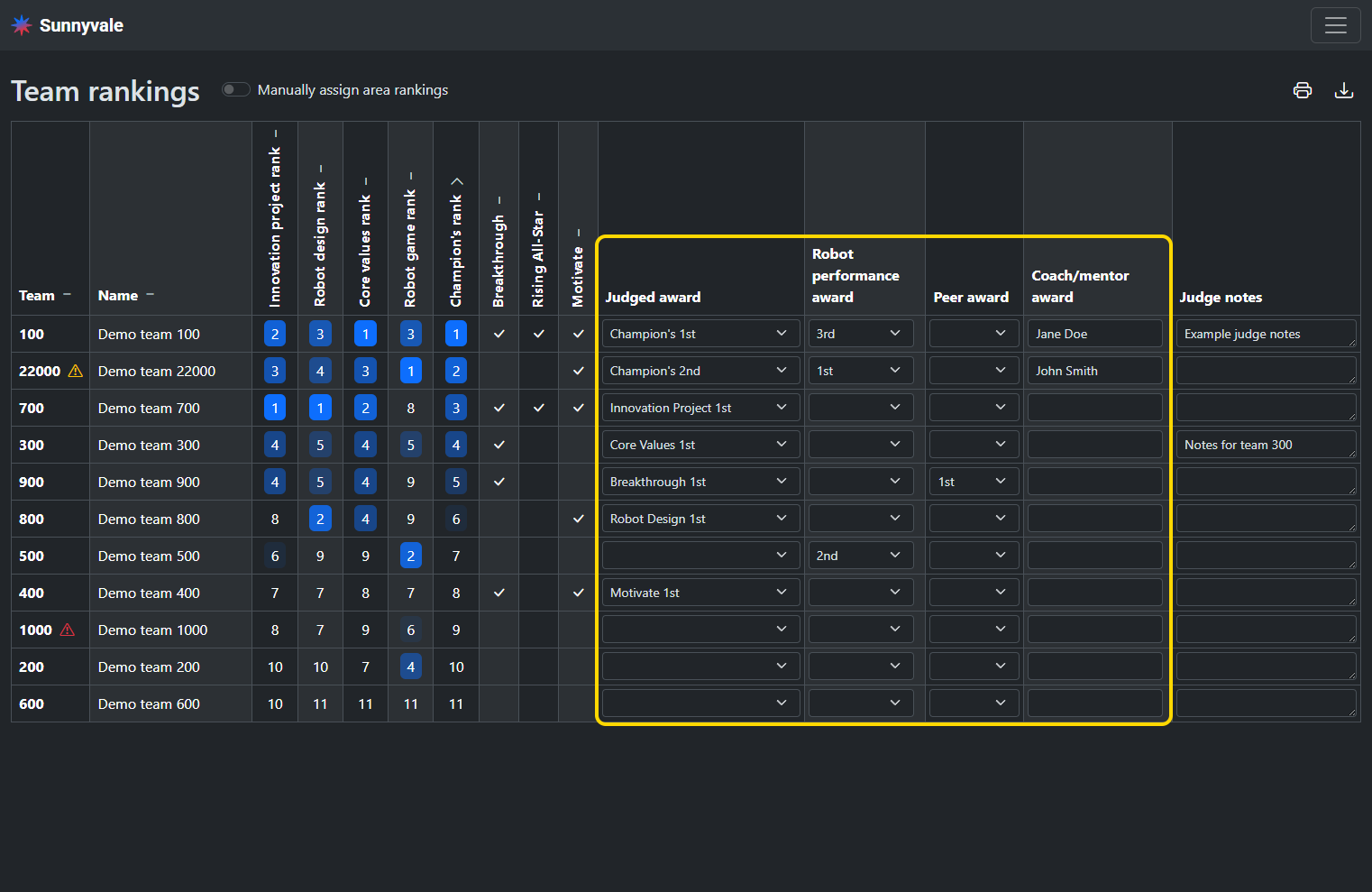
Select the judged award a team has won in the Judged award column. If you assign the same award to multiple teams, it will be indicated in red. Most events will not assign all available awards, and leaving awards unassigned is expected.
Assign the Robot performance award and Peer award in their respective columns. If there is only one winner, select the 1st option for the winner.
To assign the Coach/mentor award, enter the individual winner’s name in the respective column of the winner team’s row.
Download awards
The list of award winners can be downloaded as a CSV or PDF.